Polymarket Historical Data: Build a Replay Dataset
To collect Polymarket historical data for a bot, start with the ID of the outcome you want to track and a fixed time range. Save the raw history response and the market details together so you can reproduce a replay later.
Summarize with AI:
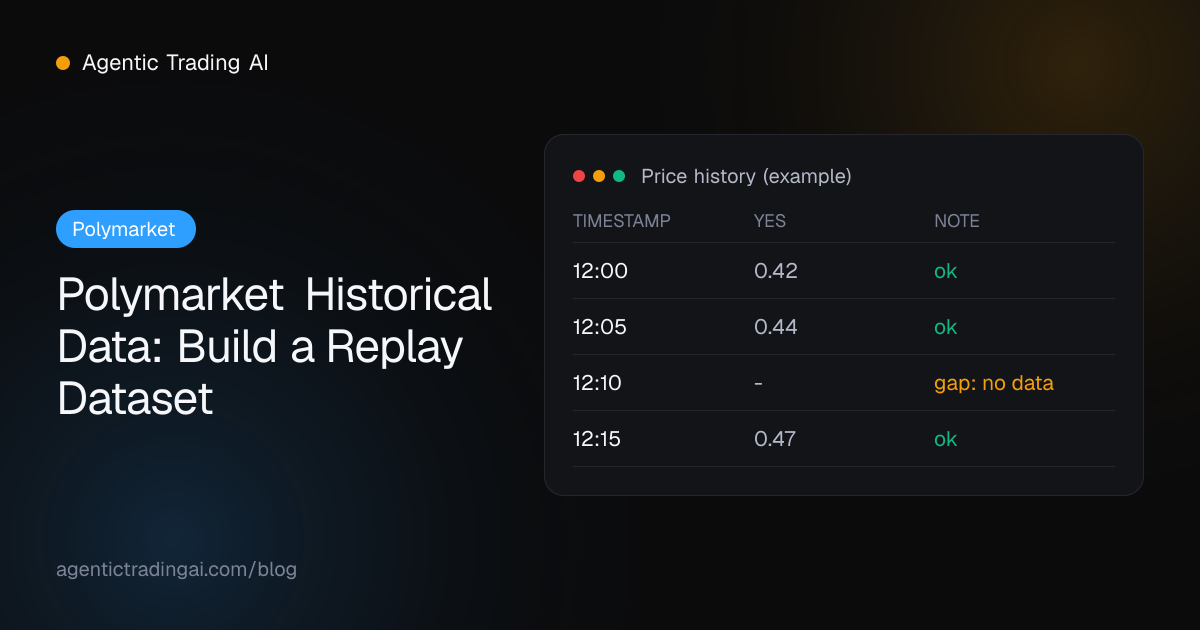
Save the market and outcome together
A market question can have multiple outcome tokens. Record the market ID, outcome label, token ID, and the market’s closing or resolution information. Check the label against the token ID before downloading prices. If you swap YES and NO in your input file, even a perfectly implemented strategy will replay the wrong asset.
Build a dataset you can audit
- Choose a fixed range. Record the start and end in UTC. Use the same range and sampling interval when comparing outcomes or rerunning a strategy.
- Save the response before transforming it. Polymarket documents a price history endpoint that returns timestamp and price pairs. Keep the original response alongside the cleaned CSV.
- Normalize and validate. Store one row per token and timestamp. Sort by timestamp, flag conflicting duplicates, and record observations with invalid prices or missing timestamps.
Decide how to handle missing observations
Suppose your dataset has an observation at 14:02 and the next one at 14:09. Leave that gap visible. If you carry the old price forward for charting, label the value as stale and exclude it when evaluating a rule that requires fresh data. Record the expected interval, actual coverage, and longest gap before deciding whether the market is usable.
Pick an appropriate data source for each test
Price observations let you replay a threshold or chart a price series. Use recorded trades for questions about printed executions, and historical book snapshots for questions about depth, spread, and plausible fills. If you only have prices, keep your conclusions about signals separate from assumptions about execution. A quick sanity check is to pick one market, inspect a handful of timestamps by hand, and reproduce the same CSV from your saved raw data.
Work through three Polymarket strategy examples
Use Claude Code to build a prediction-market bot, connect to Polymarket’s order book, and backtest three rule-based strategies.
Polymarket Trading Bot GuideKeep reading
 Up nextPolymarket WebSocket: Read the Live Order BookBuild a read-only Polymarket WebSocket feed and test what your bot does when the book goes stale or disconnects.
 Up nextPolymarket Paper Trading: Simulate a Bot LiveRun a Polymarket paper trading journal with live quotes, simulated fills, and clear rules for misses.