Polymarket WebSocket: Read the Live Order Book
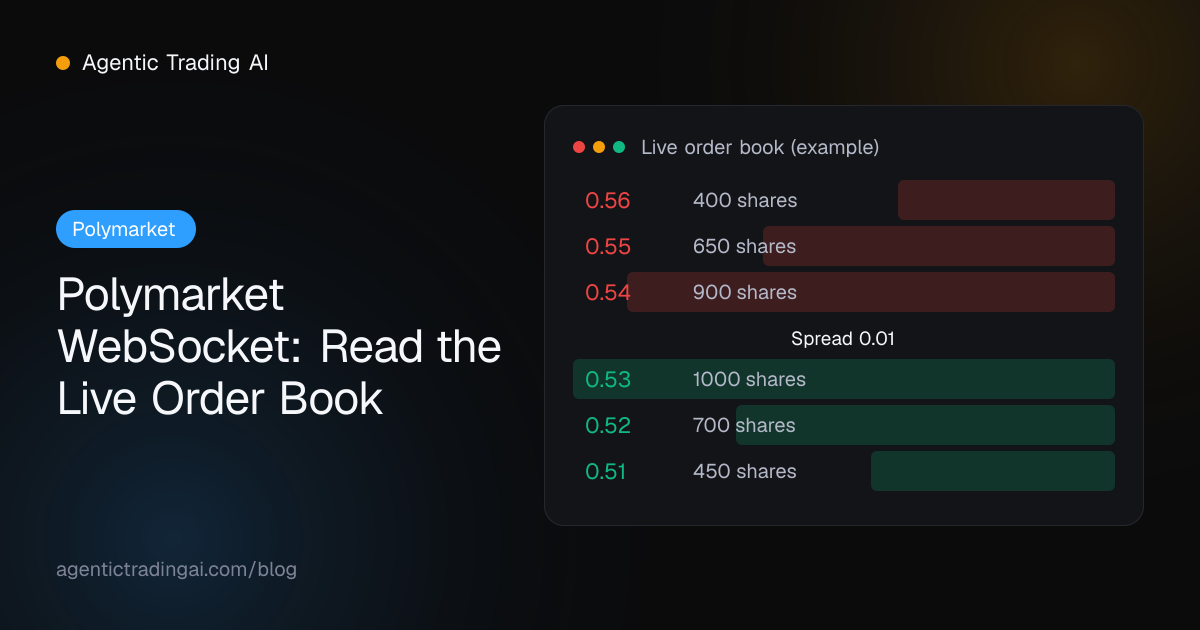
Use the Polymarket WebSocket market channel to monitor an outcome token’s order book. The first version of your listener only needs to hold a snapshot, log changes, and mark the book unavailable when the feed drops.
Summarize with AI:
Subscribe to the outcome token you mean to monitor
Use the outcome token ID from the market metadata. Save the market question and outcome label beside it so a later reader can tell what the feed represents. The market channel documentation describes the subscription payload and the event fields. Start with one token so you can compare the book and market identity by hand.
Separate snapshots from updates
- Initialize the book. Use a full snapshot as the starting point for the price levels you track.
- Apply matching updates. Check that the event concerns the token you subscribed to. Reflect the new size at the affected level and remove a level when its size reaches zero.
- Publish a concise record. Log the best bid, best ask, spread, token ID, and when your program observed the update. Keep the raw event with the log while you debug.
Test stale data and reconnects
Imagine that your last best ask was $0.44 and your connection dropped. If a paper strategy checks the market while the listener is offline, your result should say the book is unavailable. After reconnecting, wait for a fresh snapshot before resuming, and use the service’s documented heartbeat instructions.
Run the listener against a saved sequence with a snapshot, a removed price level, and a disconnect. Then replay an event for a different token. Your log should explain why the old book was discarded and why mismatched events never changed it. That small test also gives you a way to compare two versions of the listener before connecting a strategy.
See the full Polymarket bot project
Use Claude Code to build a prediction-market bot, connect to Polymarket’s order book, and backtest three rule-based strategies.
Polymarket Trading Bot GuideKeep reading
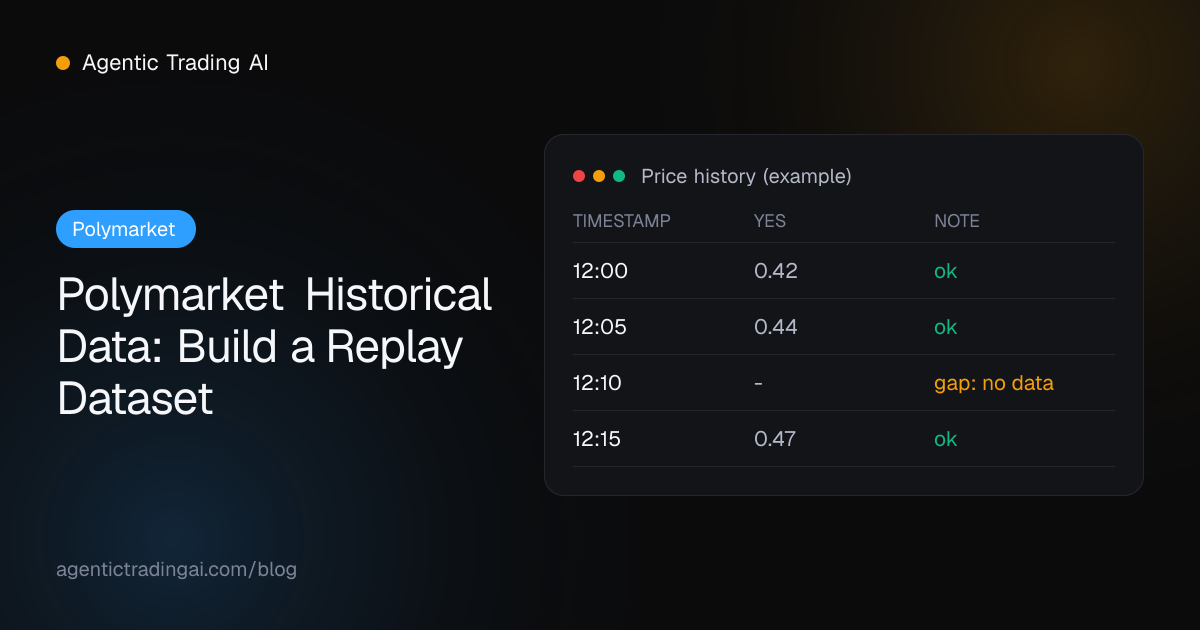 Up nextPolymarket Historical Data: Build a Replay DatasetFind the right outcome token, save timestamped Polymarket prices, and check for gaps before replaying a strategy.
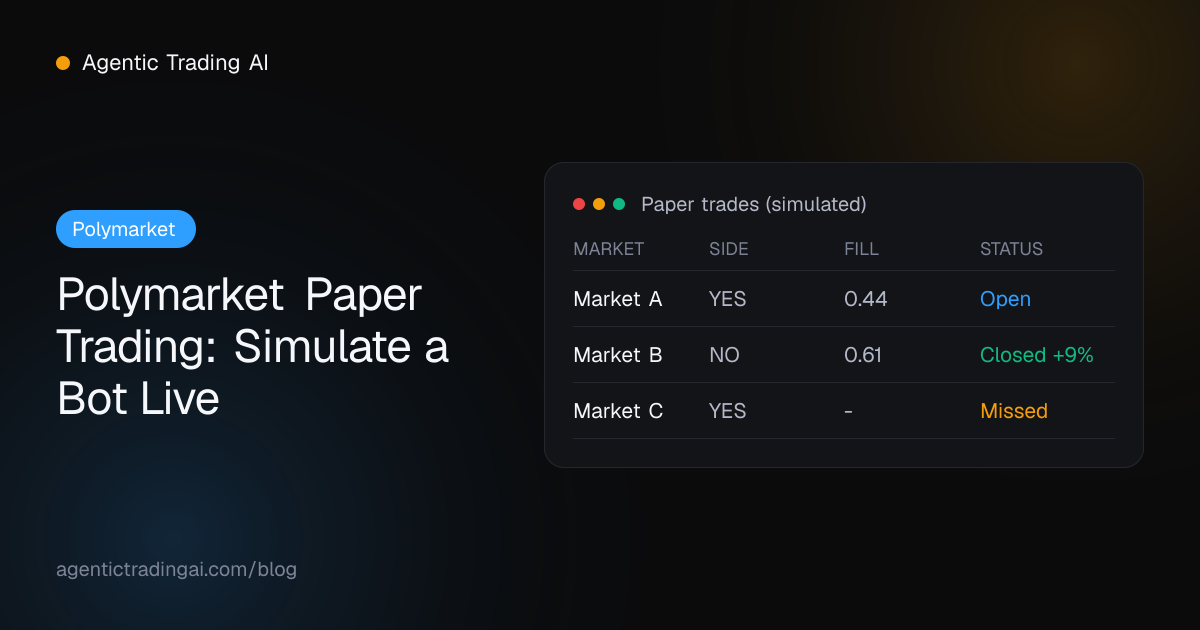 Up nextPolymarket Paper Trading: Simulate a Bot LiveRun a Polymarket paper trading journal with live quotes, simulated fills, and clear rules for misses.