Memecoin Research Checklist for Solana
When two Solana memecoin charts disagree, first check whether they show the same token, pool and time window. Keep a research sheet so you can repeat the comparison later. For each coin, record its mint address, the pool shown, liquidity as reported at a specific time, and any wallet activity you can verify.
Summarize with AI:
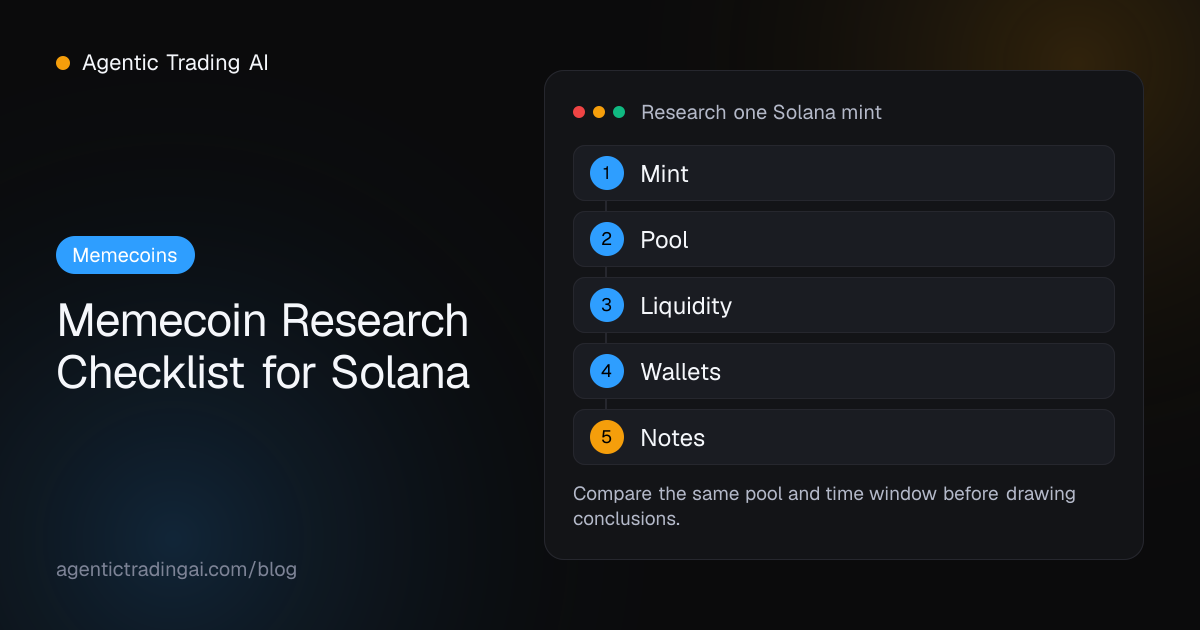
Match the token and the market
Use the Solana mint address as your starting point. A ticker, name or logo can appear on unrelated tokens. Next record the pool address and quote token, such as SOL or USDC. Two pools can trade the same mint with different liquidity and recent activity. If a launch has moved from its first venue into a new pool, keep separate observations for both.
Axiom’s Pulse groups launches by stage, and individual token pages show charts. Use the feed to find candidates, then open the token page and verify the identifier before adding a row. Axiom’s platform walkthrough documents those views.
Compare the same period on both charts
- Set a snapshot time. Record the UTC time when you checked each source so that an update between views is easy to spot.
- Match the displayed units. Compare prices in the same currency. Check whether either panel shows market cap where you expected price.
- Match the timeframe and pool. A five-minute candle and a one-hour candle summarize different trades. If one chart combines venues, compare it separately from the single-pool view.
- Record liquidity beside volume. Volume is turnover over a period. Pool liquidity is an estimate at a particular moment. A busy chart can still have a shallow pool.
Check wallet activity against the launch timeline
Mark the addresses behind the largest movements you can see. GMGN’s wallet pages display activity and give you a route to the public transaction history. Check whether an event was a swap or a transfer before assigning it a label. If ownership is unclear, keep labels such as “early holder” provisional. GMGN’s wallet documentation explains which activity fields the view reports.
Write down why a candidate stays on the list
Suppose a fictional ticker, PEBBLE, appears to jump on one chart while another barely moves. You match the mint and see that the first graph shows a new SOL pool while the second aggregates several pools. Write down the difference, keep the observations separate and mark the comparison unresolved until you have aligned data. Repeat the process during a quieter period so you can see which fields change and which stay consistent.
For your first pass, park anything with an ambiguous mint, a stale chart or a balance change you cannot classify. Add a transaction link or a timestamped note to decisions you want to review. Use the Solana rug pull checker workflow for token permissions and additional checks. A watchlist entry is a record of what you observed, and you can complete the exercise without placing a trade.
Turn your checklist into a scanner
The Solana digital guide walks through token screening, wallet checks and alerts you can test with sample candidates.
Explore the Solana guideKeep reading
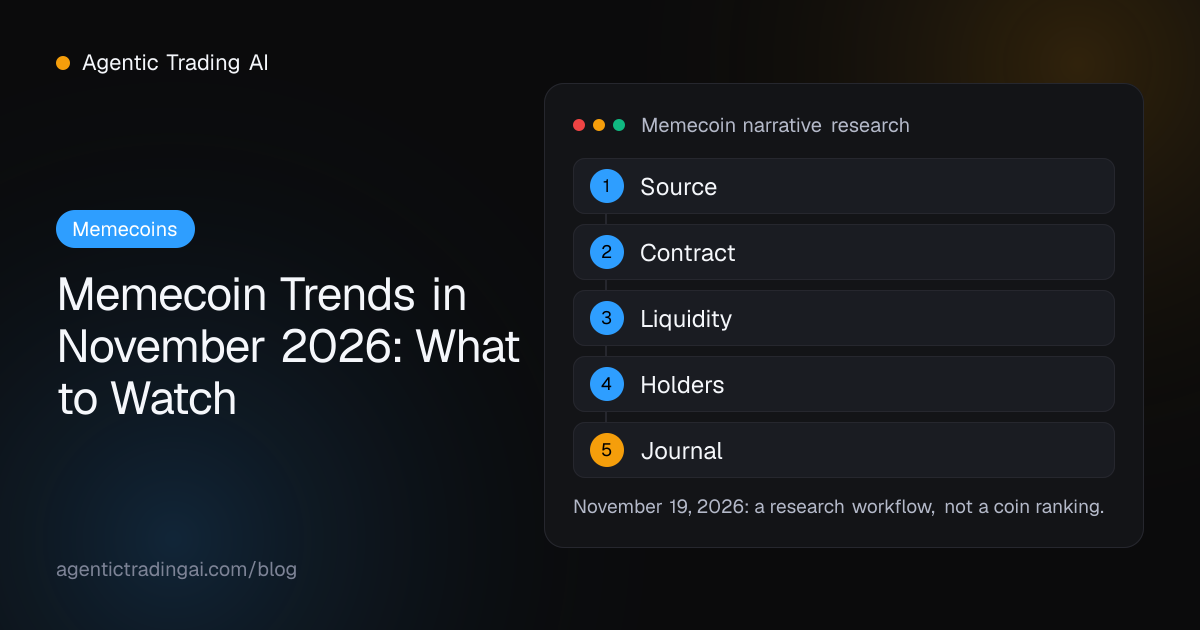 Up nextMemecoin Trends in November 2026: What to WatchExplore November 2026 memecoin narratives: AI agents, stock-themed tokens and launchpad competition, with a practical checklist for researching each trend.
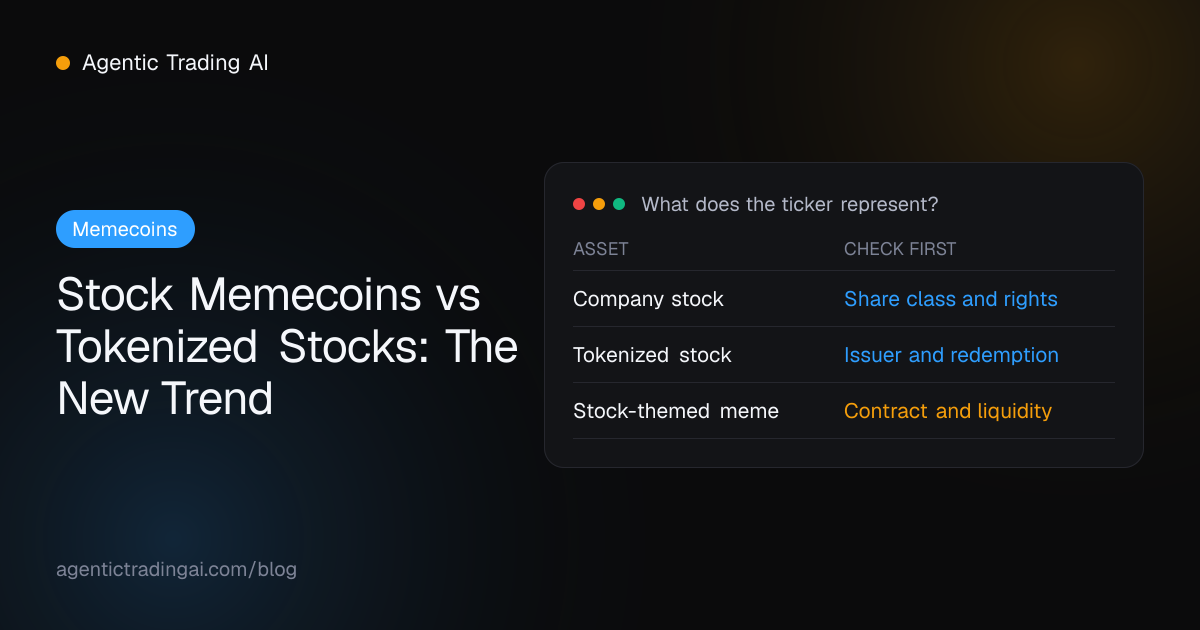 Up nextStock Memecoins vs Tokenized Stocks: The New TrendUnderstand the stock memecoin trend, how Pons and StonkFun pair tokens, and what to check before adding stock-paired memes to a crypto scanner.