How to Create a Crypto Trading Guide with PLR
If you have permission to adapt private label rights material, use it to plan a concrete lesson. A crypto trading guide is easier to follow when the reader can reproduce a result, such as saving a clean watchlist or logging a simulated trade with visible assumptions.
Summarize with AI:
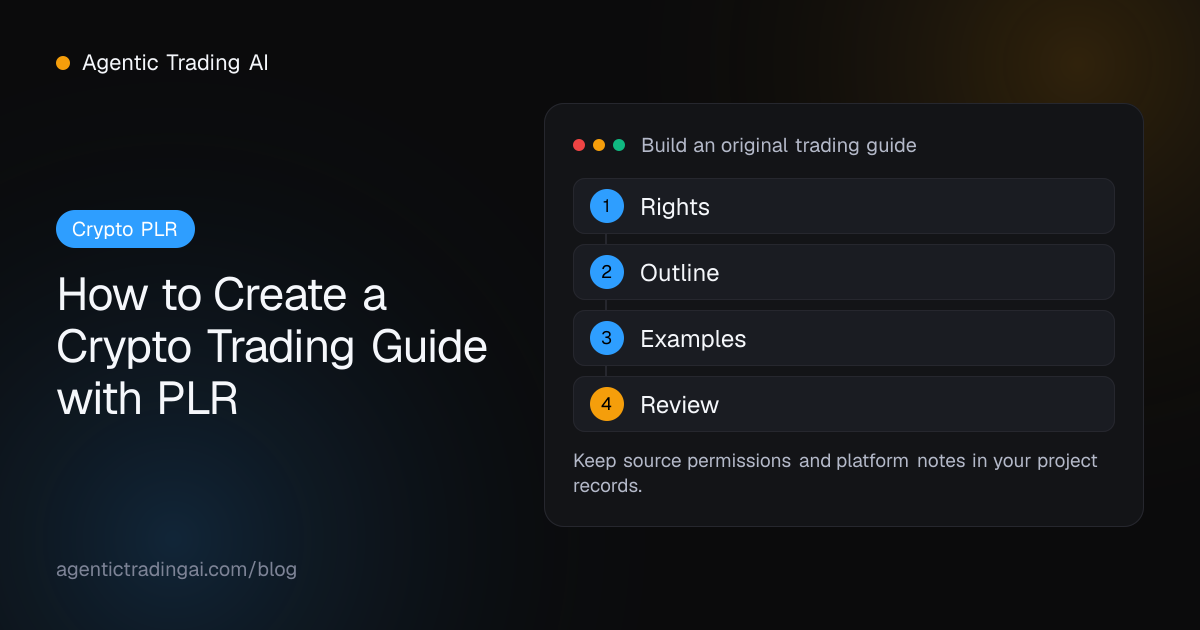
Start with one task a reader can finish
Choose the audience, starting materials and end result. For a beginner guide, one possible goal is a three-row Solana watchlist that records a mint, pool, observation time and reason for adding each candidate. Organize the chapter around that task. Ask what the reader should do when a field is missing and give them a sample result they can compare with their own work.
Track permission as you build the outline
Put each proposed input on a separate row in a source sheet. Record the author or vendor, the original link, the file version, and the permission that covers your intended use. Separate the rights for licensed prose, diagrams, data and screenshots. Make clear which material you wrote yourself and which remains under a license. If you want to include an asset and cannot establish permission, replace it with your own example or ask the relevant rights holder. The U.S. Copyright Office’s permission guide gives a starting point for identifying the right person to ask.
Write a fresh scenario and test it
Consider a fictional token named COMET. Set up three saved observations, including one with no verified pool address and another with stale data. Write the task so the reader can identify both cases and explain why only one record can be compared directly. Include the expected output and an explanation for the two unresolved rows. Label the example as fictional, keep live market snapshots separate, and leave out any suggestion that the exercise demonstrates a profitable strategy.
For platform-specific instructions, compare your terminology with the current interface and date the screenshots or diagrams you have permission to reproduce. Axiom documents its launch feed and token charts. GMGN documents wallet activity fields and tracking. Use their references as links in your guide if a reader needs the current interface. Axiom platform walkthrough · GMGN wallet reference.
Review the files buyers will receive
- Run each exercise with a clean workbook or browser session. Record the date and fix any step that relies on an unexplained setting.
- Verify that chart units, date ranges and illustrative numbers match the text. Remove unsupported earnings claims and misleading charts.
- Include a short buyer terms page describing the permissions you can grant. Check separately whether any editable files or third-party assets may be included.
- Preview the final download from the buyer’s point of view. Test source links and place a referral disclosure near any link that can earn you compensation.
Learn the Solana screening workflow
The Solana digital guide covers token screening, wallet checks and alerts for your own project. Obtain separate permission before adapting or redistributing another creator’s material.
Explore the Solana guideKeep reading
 Up nextCrypto Trading PLR: Check the Resale LicenseLearn what to check in a crypto trading PLR license, including editing, resale, marketplace restrictions, screenshots, and downstream rights.
 Up nextCrypto Day Trading for BeginnersLearn what crypto day trading involves, how fees and slippage affect a round trip, and how to plan and review a practice session without risking funds.